
Student database management software is the backbone of modern school administration. Instead of chasing scattered registers, spreadsheets, and paper files, schools can now store every student’s admission details, attendance, exam results, and fee history in a single, searchable system. As a result, administrators save hours every week, and parents get faster, more transparent communication through the school management system, thanks to its core features. In this guide, we will walk through what this school management software, often referred to as an LMS, actually does, why it matters, and how to choose the right one for your institution.
What Is Student Database Management Software?
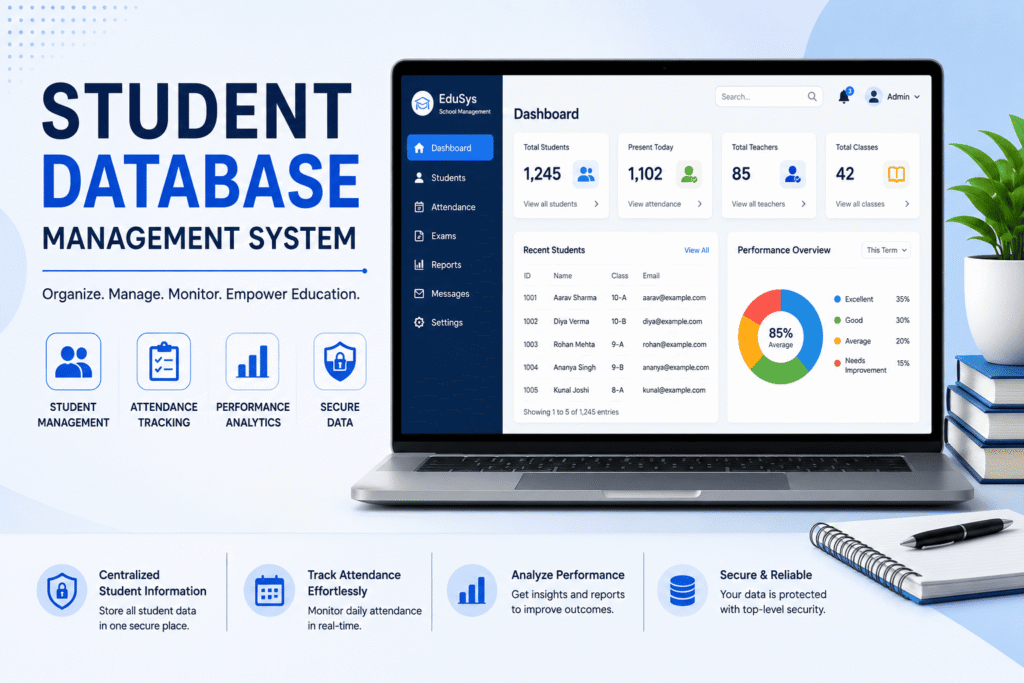
Student database management software is a digital platform that stores, organizes, and retrieves all student-related information from one centralized dashboard. This includes personal details, academic records, attendance logs, health information, and parent contact data. Unlike traditional filing systems, this school management software allows authorized staff to access accurate, real-time information instantly, regardless of which department they belong to.
Furthermore, most modern platforms are cloud-based, like MySmartSchool, which means data is not tied to a single computer or physical location. Consequently, a teacher, accountant, or principal can log in from anywhere and pull up the exact record they need within seconds. This is particularly useful for schools with multiple branches, since a school database management system can sync student details across campuses without duplicate entry.
Why Schools Need a Centralized Student Database
Schools require a centralized data management system for their schools to maintain records in one place.
Manual record-keeping might work for a handful of students, but it quickly becomes unmanageable as the number of students increases in a school.
Consider a school with 1,000 students spread across multiple grades, each requiring unique student IDs for efficient data management. Without a centralized system, information often lives in disconnected registers: attendance in one book, fee receipts in another, and academic history in a third. As a result, cross-referencing data becomes time-consuming and error-prone, especially when dealing with multiple student IDs, highlighting the need for a robust repository.
On the other hand, a unified student information system eliminates these silos entirely. Once a student’s data is entered, it becomes accessible across every relevant module, whether that’s admissions, attendance, examinations, or transport. Therefore, staff no longer waste time re-entering the same details multiple times, and the risk of mismatched records drops significantly.
In addition, centralized databases make audits and inspections far easier. Education boards like CBSE and ICSE frequently require schools to produce accurate enrollment and academic records. With a digital system in place, generating these reports takes minutes instead of days.
Key Features to Look For
Not all student database management systems are built the same way, and choosing the right one can simplify administrative tasks, making it easier to manage student profiles. Before choosing one, schools should evaluate the following core features carefully: user interface, integration capabilities, and support for managing student profiles.
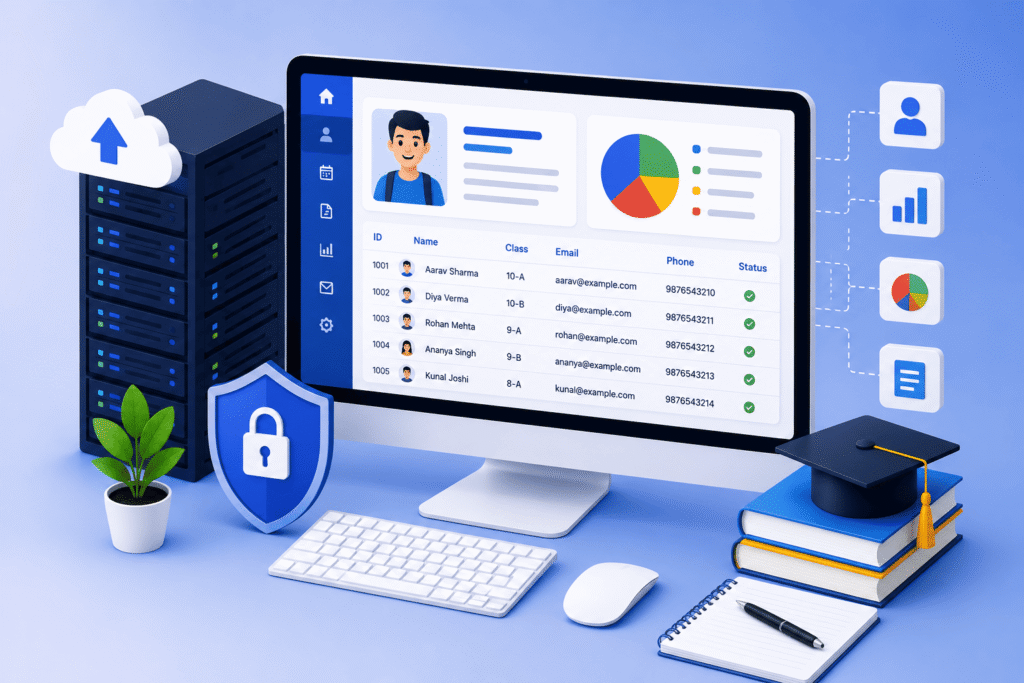
- Centralized student records create a comprehensive repository for efficient data management and retrieval. All admission forms, academic history, and personal details are stored in one place within the student management system.
- Real-time attendance tracking: Automatic attendance logs that sync with parent notifications instantly.
- Role-based access control: Different permission levels for teachers, accountants, and administrators, so sensitive data stays protected.
- Cloud-based accessibility: Secure login from any device, which is especially useful for multi-branch schools.
- Integration with fee and exam modules: Since student data connects directly with fee collection software and report card generation, there is no need for duplicate data entry, streamlining the process for educational institutions.
- Data security and backups: Encrypted storage along with regular backups to prevent data loss.
- Parent and student portals: Direct access to academic progress, attendance, and fee status, which reduces the number of phone calls to the school office, serves as a key stakeholder benefit.
Consequently, when these features work together, the software becomes more than just a record-keeper; it becomes a complete academic management ecosystem.
Benefits of Student Database Management Software
1. Improved Accuracy and Reduced Errors
Computerized data entry helps in more accuracy and decreased chances of errors.
Manual data entry leads to lots of errors, whether it’s a misspelled name or an incorrect date of birth. More incorrect information leads to misrepresentation of actual data.
However, once information is digitized, it only needs to be entered once & reduces the chances of errors. Additionally, validation checks built into the software catch common errors before they become permanent records.
2. Faster Administrative Workflows
Instead of manually searching through paper files, staff can retrieve any student’s complete history within seconds.
As a result, tasks like issuing transfer certificates, generating mark sheets, or verifying attendance for scholarship applications become significantly faster with real-time updates.
3. Better Communication with Parents
Most systems include a parent portal or mobile app, which means parents no longer need to visit the school for basic updates.
Instead, they can check attendance, fees, and academic performance directly through the school management software app. Meanwhile, the school reduces the burden on its front office staff, who previously handled these queries manually.
4. Data Security and Compliance
Since student records contain sensitive personal information, security is a top priority, necessitating audit trails for accountability. Cloud-based platforms typically offer encrypted storage, role-based access, and automatic backups.
Therefore, schools reduce the risk of data breaches while also staying compliant with data protection expectations through effective management of ERP.
5. Scalability for Growing Institutions
Whether a school has 200 students or 5,000, a well-built database scales without requiring a complete system overhaul. Similarly, adding new branches or academic years does not disrupt existing records, since the system is designed to expand alongside the institution.
Student Database Management Software vs. Traditional Record-Keeping
| An aspect of a student management system is crucial for effective administration. | Traditional Record-Keeping | Student Database Software |
| Data access is vital for ensuring that educators can retrieve necessary information about students quickly and efficiently. | Manual search through files can be greatly reduced by implementing a student management system that organizes data efficiently. | Instant retrieval from the dashboard provides a real-time view of student data. |
| Accuracy | Prone to human error | Validated, standardized entries are essential for maintaining data integrity in a school management system, especially for tracking student progress accurately. |
| Accessibility is enhanced through the use of a school management system that allows easy access to student data and timetable management. | This software is often limited to a physical location when using on-premises solutions. | The system is accessible from any device, allowing for real-time updates and communication. |
| Security | Vulnerable to loss or damage, especially when using outdated management system software. | Encrypted, backed up regularly |
| Reporting | Time-consuming, manual compilation | Automated, instant reports |
Clearly, the shift from paper-based systems to digital databases is not just a convenience; it is a necessity for schools that want to operate efficiently at scale.
How to Choose the Right Student Database Management Software
First, identify your school’s specific needs. A small school with a single campus may only need basic record storage and attendance tracking, whereas a multi-branch institution will require advanced features.
Second, prioritize ease of use. Even the most feature-rich software is ineffective if teachers and administrative staff find it confusing. Consequently, look for platforms with a simple interface and dedicated onboarding support.
Third, check for integration capabilities. Since student data connects to attendance, fees, and academic performance, the software should integrate smoothly with these modules rather than functioning as an isolated tool within the management system software. Otherwise, staff end up managing multiple disconnected systems, which defeats the purpose of streamlining data management.
Finally, evaluate the vendor’s data security practices. Ask specific questions about encryption, backup frequency, and access control. After all, student data is sensitive, and any lapse in security can have serious consequences.
Implementation Best Practices
Once a school selects its software, a smooth rollout matters just as much as the user interface of the platform itself, ensuring a successful implementation of the LMS. To begin with, migrate existing records in phases rather than all at once, since this reduces the risk of data loss or duplication in the management ERP.
Meanwhile, train staff thoroughly before the system software goes live, as unfamiliarity is one of the most common reasons schools underuse their new student management system.
Additionally, assign clear roles for who can add, edit, or view specific data categories to enhance data handling and security. This not only improves security but also creates accountability within the administrative team.
Frequently Asked Questions
What is student database management software used for?
It is used to store, organize, and manage all student-related information in a student management system database, including admissions, attendance, & many more in one centralized digital system.
Is student database management software secure, particularly in terms of audit trails and data protection?
Yes, most cloud-based platforms use encryption, role-based access control, and regular backups to protect sensitive student data from unauthorized access or loss.
Can student database software integrate with fee management systems?
Yes, most modern school ERP platforms integrate student records directly with fee management, attendance, and examination modules.
Conclusion
In short, comprehensive student database management software transforms how schools handle information, moving away from paper records toward a centralized & secure system. From faster administrative workflows to improved parent communication, the benefits of learning management extend across every part of school operations. Ultimately, schools that adopt the right platform position themselves to scale efficiently while reducing errors and administrative overhead, making it one of the most valuable investments a modern institution can make.
Book a free demo and enjoy an error-free student database from now on.
Also, check the affordable pricing of MySmartSchool
Don’t miss: Student ID Card Software: The easiest way to make ID’s
Also See: Fee Management Software: The Complete Guide for Schools in 2026